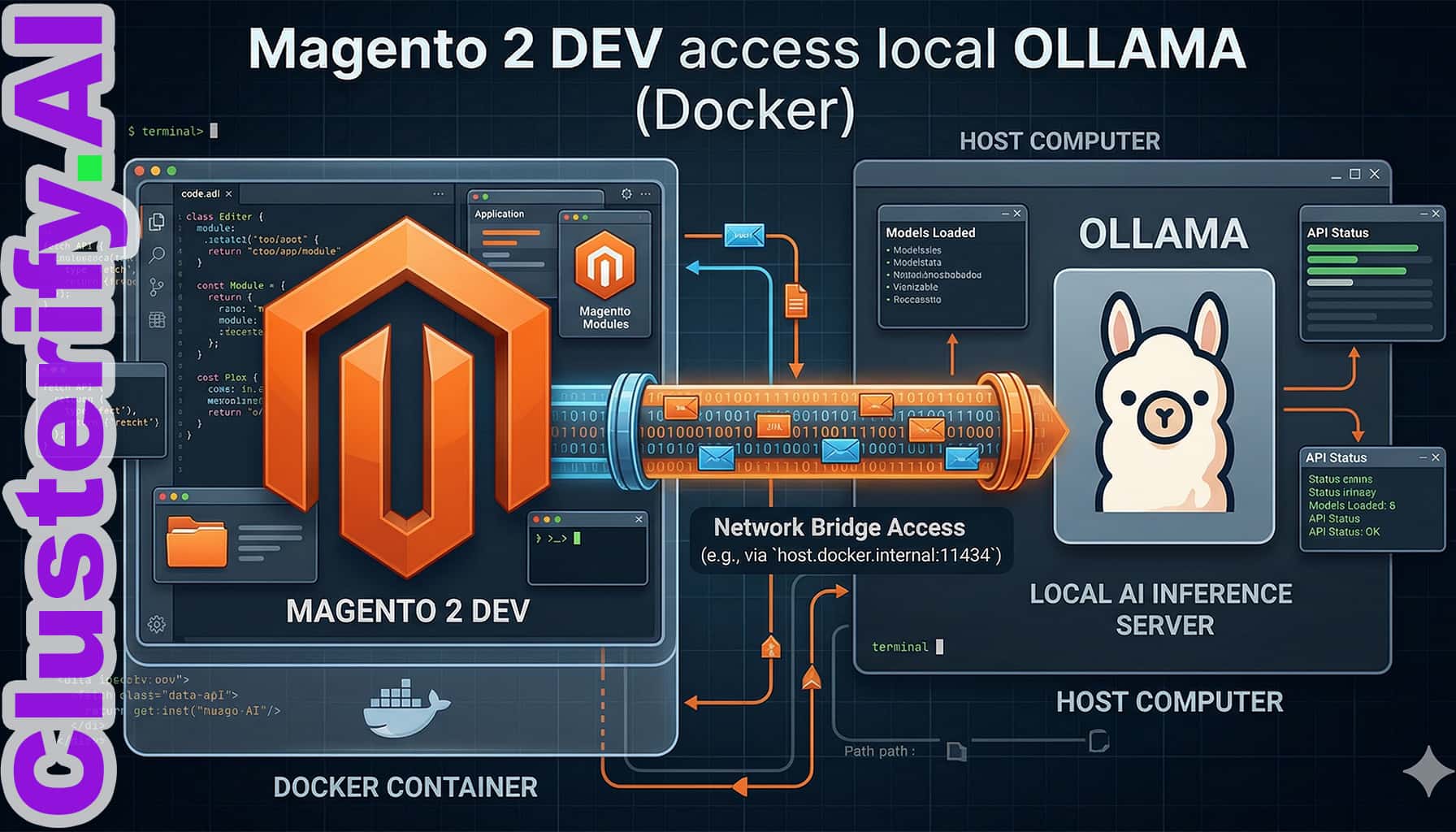
To access an Ollama instance running on your host machine from inside a Magento 2 Docker container, you need to navigate the networking bridge between the containerized environment and your host. The solution depends on your Operating System and how Ollama is configured to listen for connections.
1. Identify the Host
AddressDocker provides a special DNS name to reach the host machine, but it behaves differently across platforms.
Docker Desktop (Windows/Mac): Use host.docker.internal as the hostname.
Docker on Linux: Use 172.17.0.1 (the default Docker bridge gateway) or add host.docker.internal manually to your docker-compose.yml:
services:
  magento: # your magento service name
    extra_hosts:
      - "host.docker.internal:host-gateway"
On macOS:
Open Terminal.
Run: launchctl setenv OLLAMA_HOST “0.0.0.0:11434”
Restart the Ollama application.
On Windows:
Quit Ollama from the system tray.
Open Edit system environment variables.
Add a new User variable:
Restart Ollama.
On Linux (Systemd):
Run systemctl edit ollama.service.
Add the following lines
Run systemctl daemon-reload and systemctl restart ollama.
[Service]
Environment="OLLAMA_HOST=0.0.0.0:11434"
3. Verify the Connection
From inside your Magento container, you can test if the connection is working using curl.
Run this command inside the container:
curl http://host.docker.internal:11434/api/tags
If you get a JSON response with your models, the bridge is successful.
4. Implementation in Magento 2
When configuring your Magento extension or custom code (e.g., a Guzzle client), set the base URL to: http://host.docker.internal:11434
If you are using a strictly local Linux setup without extra_hosts, replace host.docker.internal with 172.17.0.1.
Platform Insights FAQ
Why can’t my container see Ollama on localhost?
In Docker, localhost refers to the container itself. Use host.docker.internal to access services running on your host machine.
Is there a performance lag using Ollama via Docker?
Docker adds only a tiny amount of networking overhead. In practice, most of the response time comes from your hardware and model size, not from the container bridge.
What is the best model for Magento code generation?
Models like DeepSeek-Coder and Llama 3 are strong choices for Magento 2 work, especially when handling XML configuration, dependency injection, and module structure.
How do I keep Ollama running in the background?
On macOS and Windows, the desktop app usually manages this. On Linux, you can run systemctl enable ollama so the service starts automatically after reboot.
Can I use this setup for production?
It is excellent for development and internal tooling, but for production Magento stores you will usually want a dedicated inference server or managed API that can handle scaling, uptime, and concurrent requests more reliably.